
Your playlists, one player.
Vistrova plays the M3U playlists and Xtream accounts you already have, on phone, tablet and Android TV.
Live
Catch-up
Move through the guide with the arrow keys, like a remote.

Bring your own playlist.
Vistrova doesn’t sell or include any channels, films or series. Add what you already have from a provider you subscribe to, or your own streams.
M3U link
Paste the address of an M3U or M3U8 playlist. Vistrova refreshes it for you and keeps your favourites.
Xtream Codes login
Sign in with the server, username and password from your provider. The login stays encrypted on your device.
A file
Open an M3U file, or restore an encrypted Vistrova backup from your old device.
On a TV, scan a code and type the link on your phone instead of with the remote.
At home on every screen.
The same library on your phone, your tablet and your Android TV, each with a layout made for it.
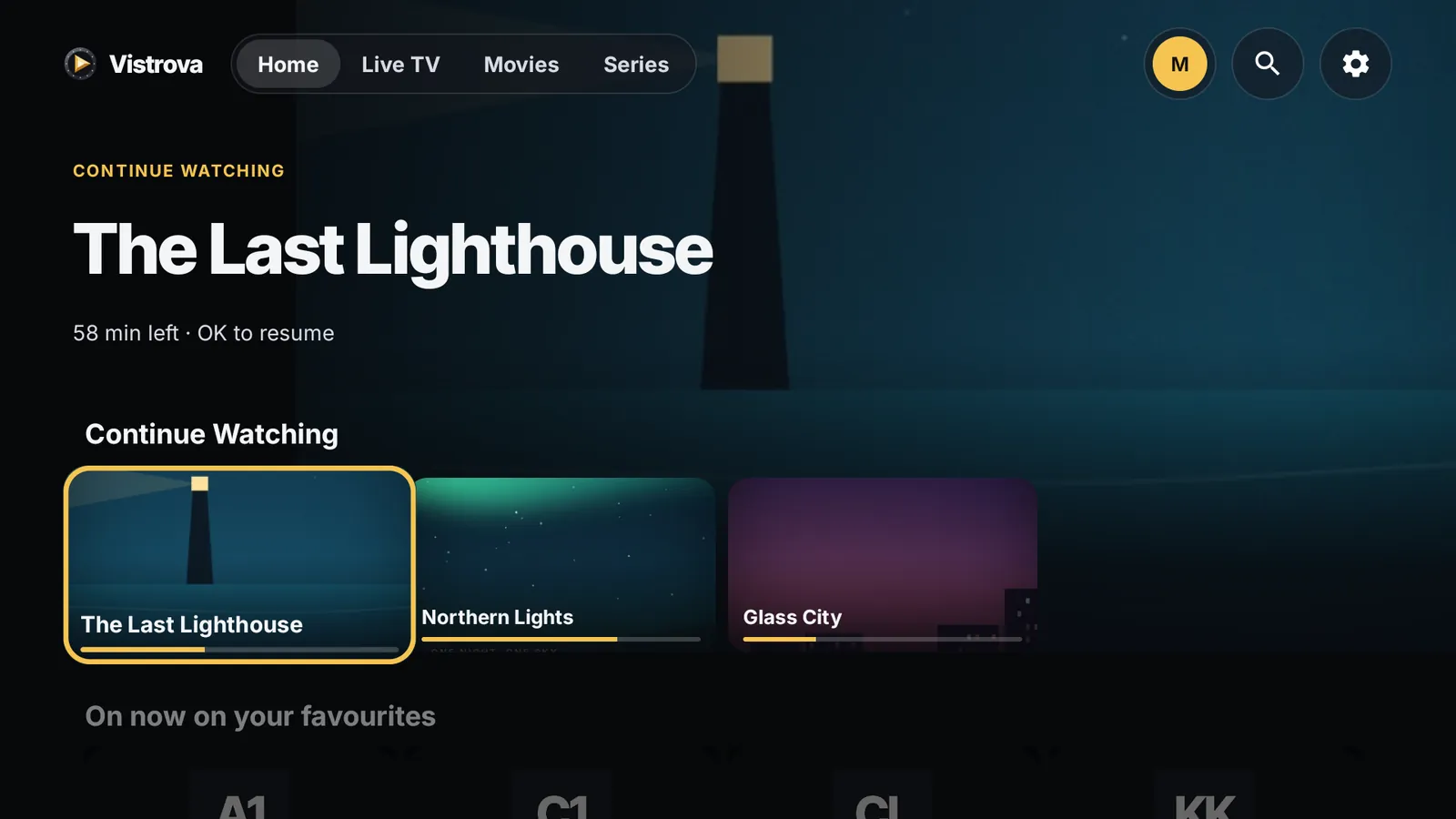
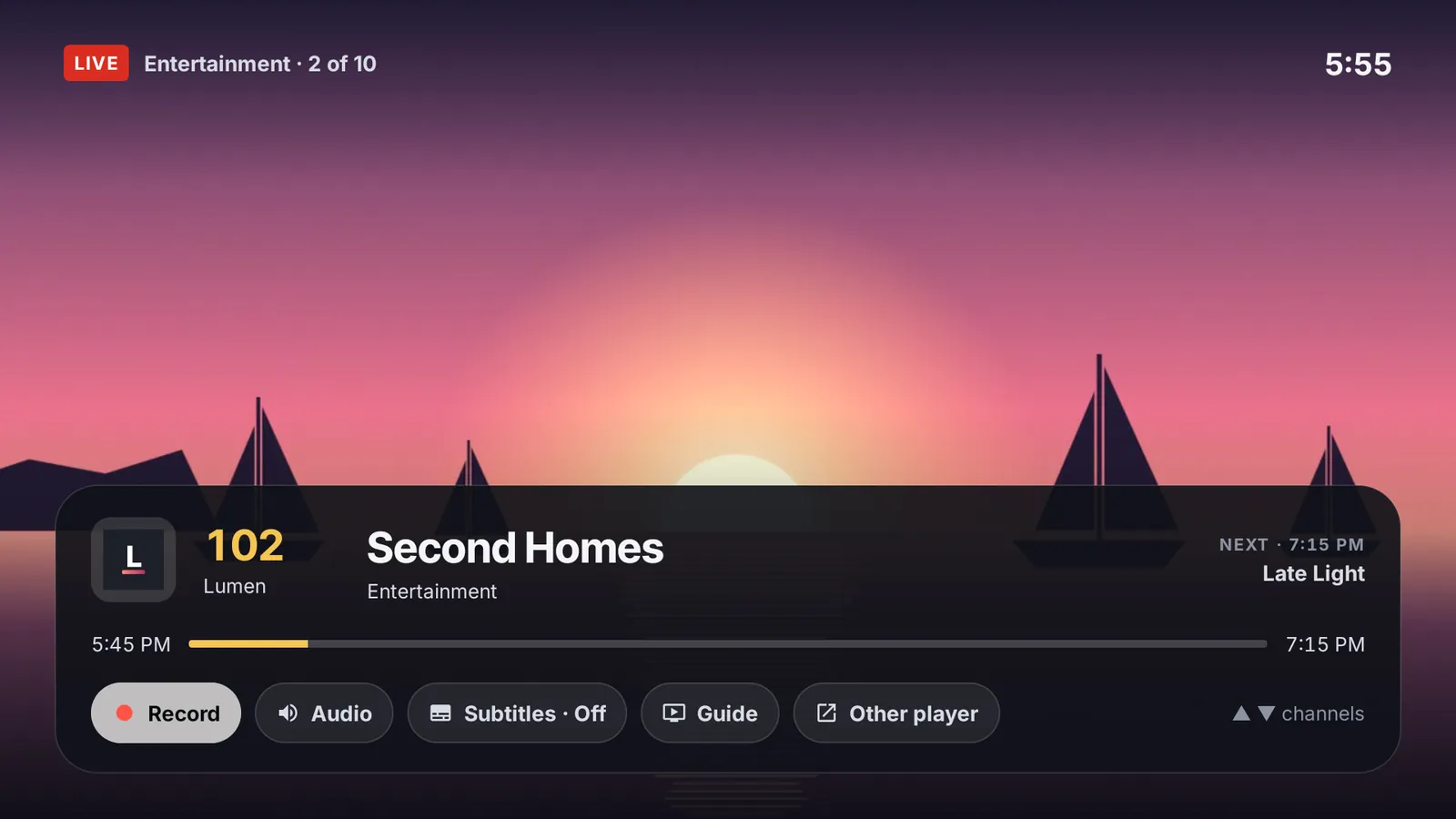
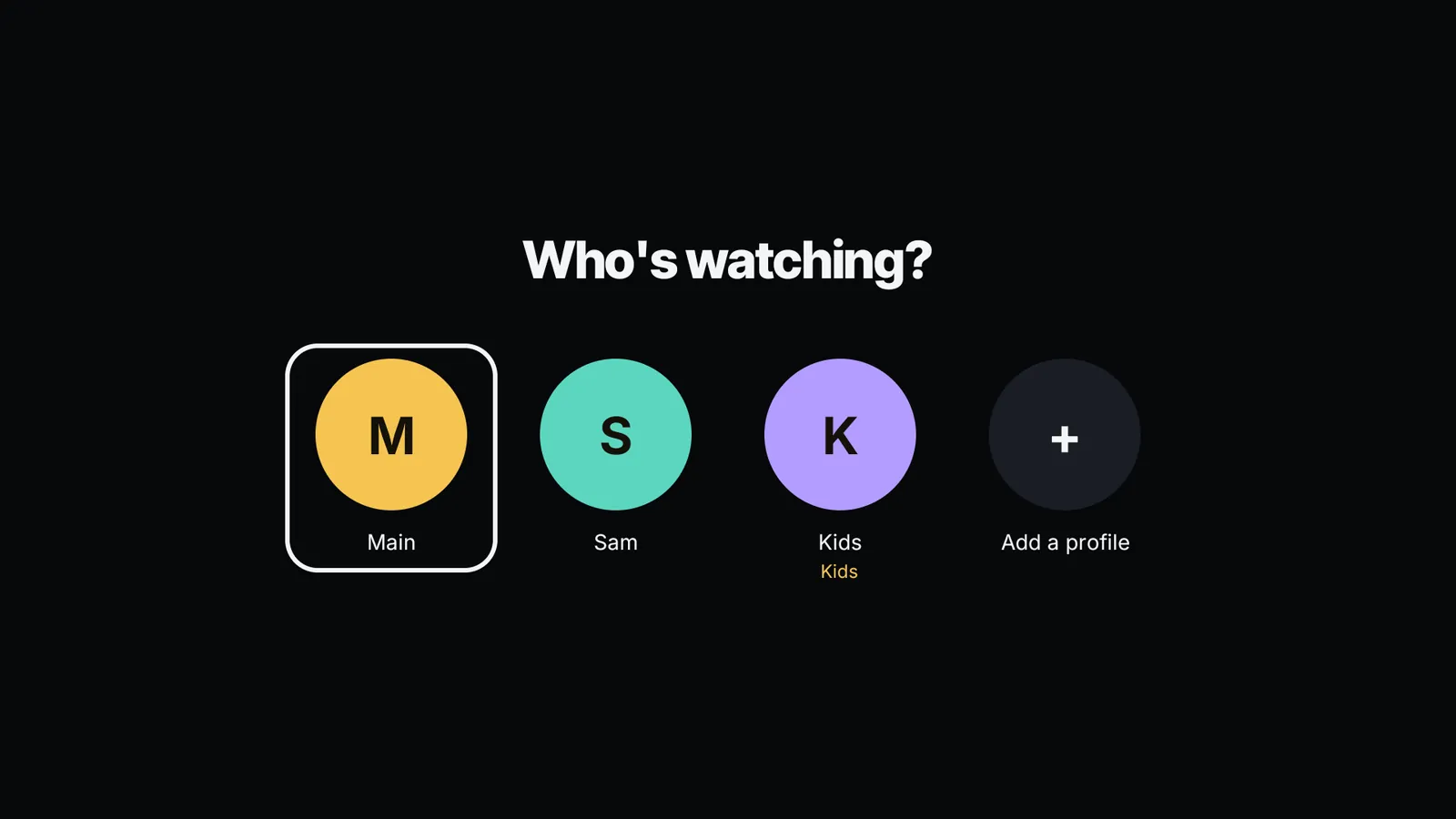
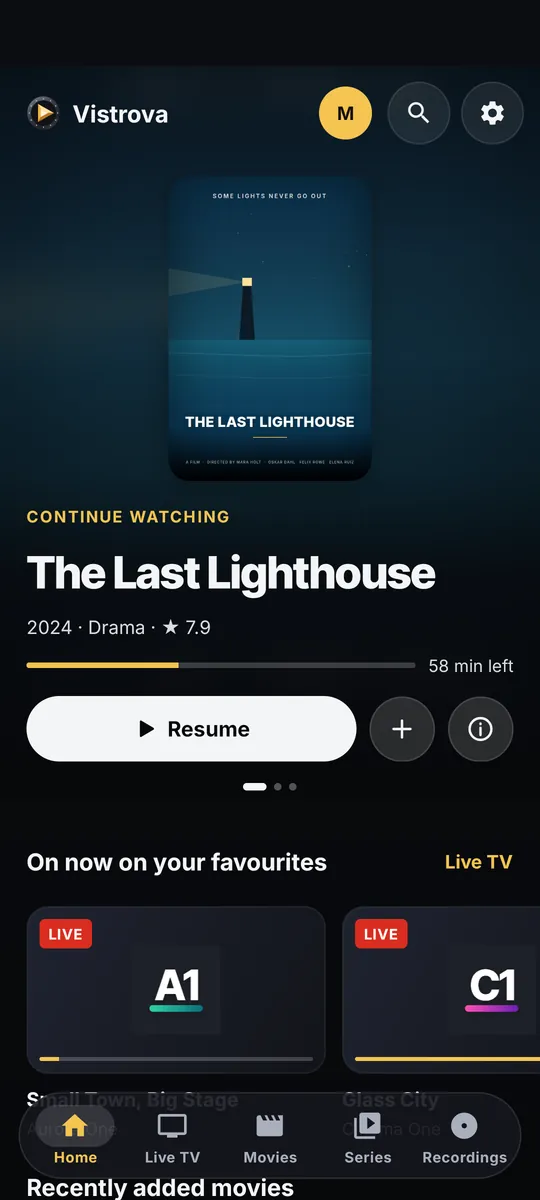
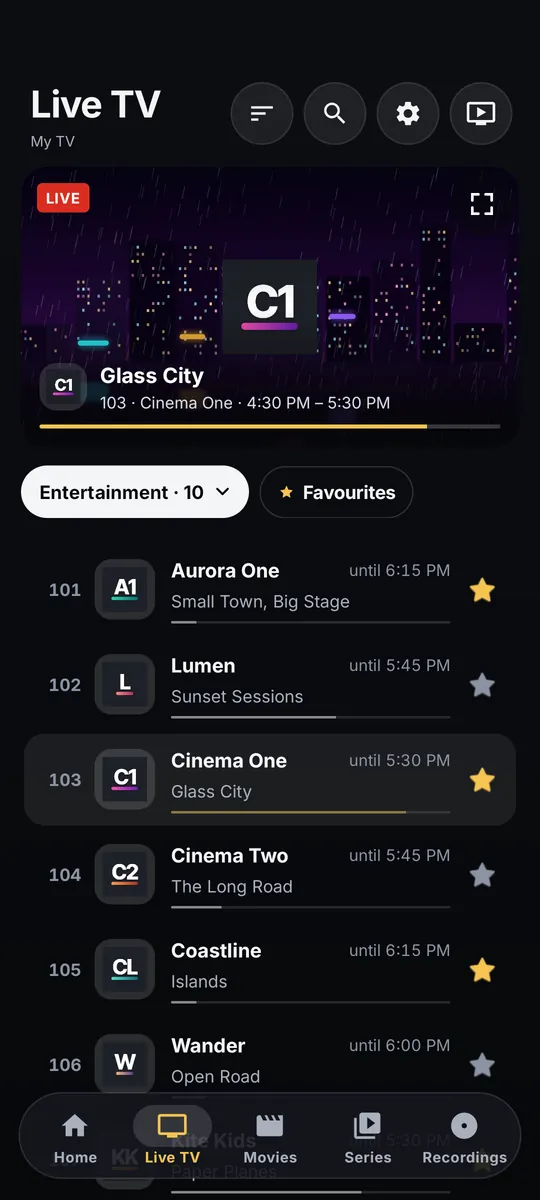
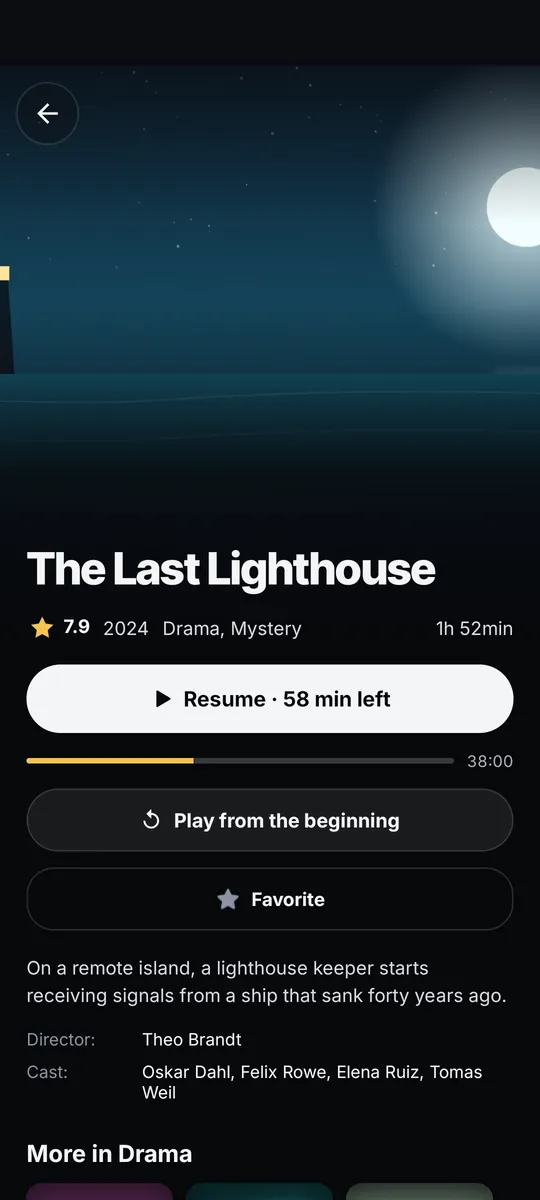
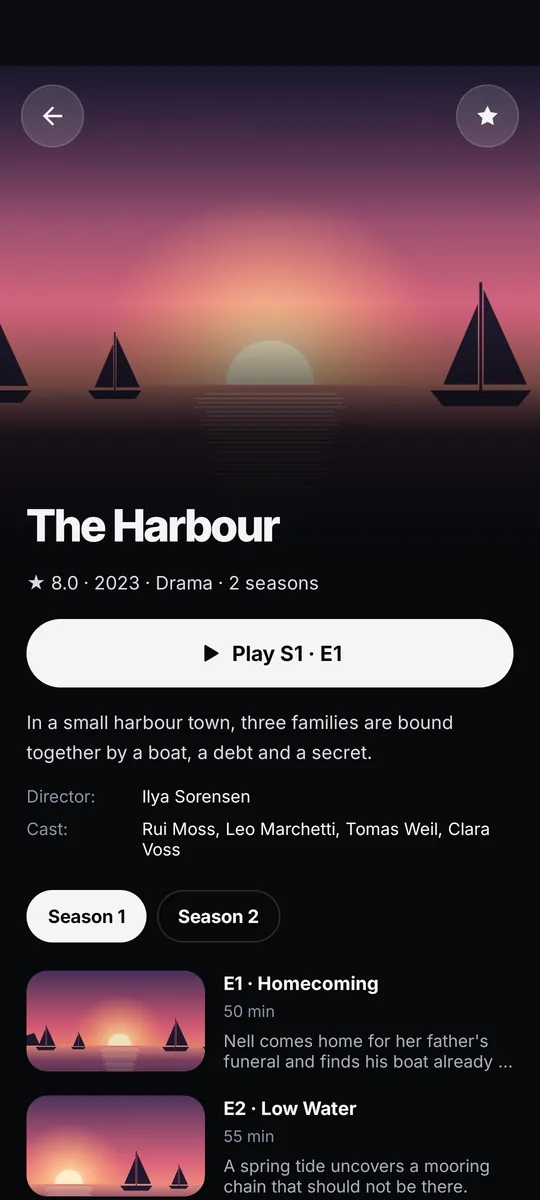
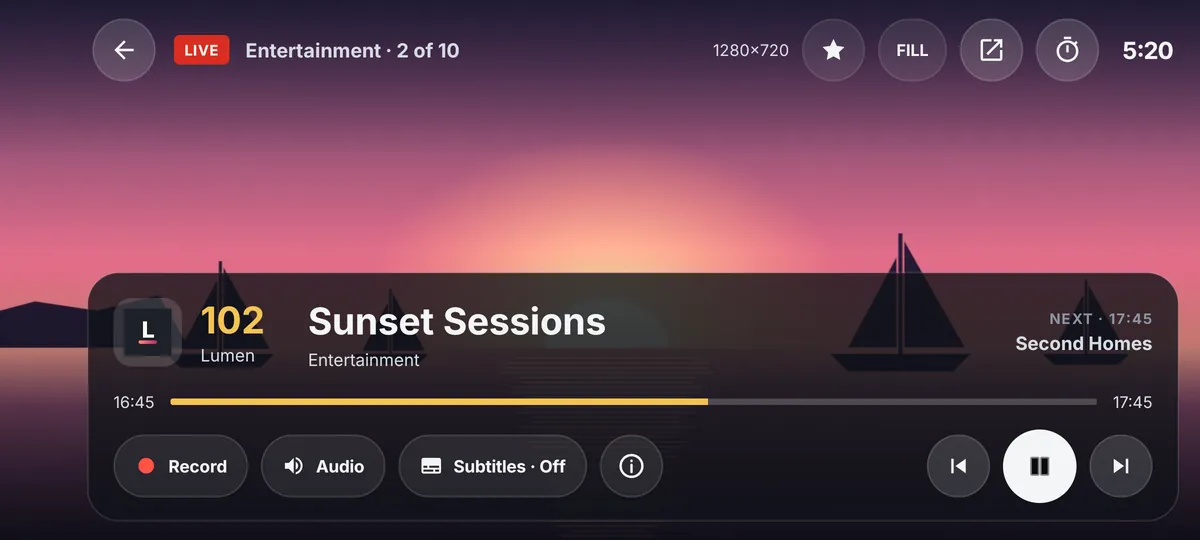
Swipe for brightness and volume, double tap to seek.
Everything you expect from a player.
Programme guide
- Now and next on every channel, and a full guide grid
- Catch-up and restart, when your provider offers them
- A reminder when a programme starts
- One search for channels, films, series and the guide
Watch your way
- Audio language and subtitles
- Picture-in-picture
- Skip intro and Next episode for series
- Record a programme now or on a schedule
- Favourites and your own channel lists
For the whole household
- Profiles, each with its own favourites, lists and history
- A Kids profile that hides locked channels and groups
- Lock channels or groups with a PIN
- A home-screen widget with your favourite channels
Android TV
- Made for the remote: rows, channel up and down, number entry
- Continue watching on the TV home screen
- Matches the frame rate of the video, on TVs that support it
- No ads
No account. No Vistrova servers.
Your playlists, logins, favourites and history stay on your device. Vistrova connects straight to your provider, never through us.
Read the privacy policy- Logins are encrypted with the Android Keystore.
- Usage statistics, crash reports and ads only after you agree. You can change your choice at any time.
- Move to a new device with an encrypted backup file.
Questions
Does Vistrova come with channels?
No. Vistrova is a player only: it doesn’t include, sell or recommend any channels, films or series. You add a playlist or login from a provider you subscribe to, or your own streams, and you’re responsible for having the rights to what you play.
Is Vistrova free?
Yes. A few ads on phones and tablets pay for it, shown only after you’ve answered the consent question. There are no ads on Android TV.
Which devices does it run on?
Phones and tablets with Android 7.0 or later, and Android TV and Google TV devices.
Which streams can it play?
HLS, MPEG-DASH, MPEG-TS and progressive files such as MP4 and MKV. If you prefer another player for a stream, Vistrova can open it in VLC or MX Player.
Can I lock some channels?
Yes. Lock channels or whole groups with a PIN. A Kids profile hides everything that’s locked.
How do I move to a new phone or TV?
Export an encrypted backup in Settings, then import it on the new device with your passphrase. On a TV, you can also send it from your phone by scanning a code.
Something not working?
Write to us and we’ll get back to you.